
STEP BY STEP
From the first pickup to the final drop-off.
DROP connects the school’s transport setup with bus team updates and the information parents need throughout the school day.
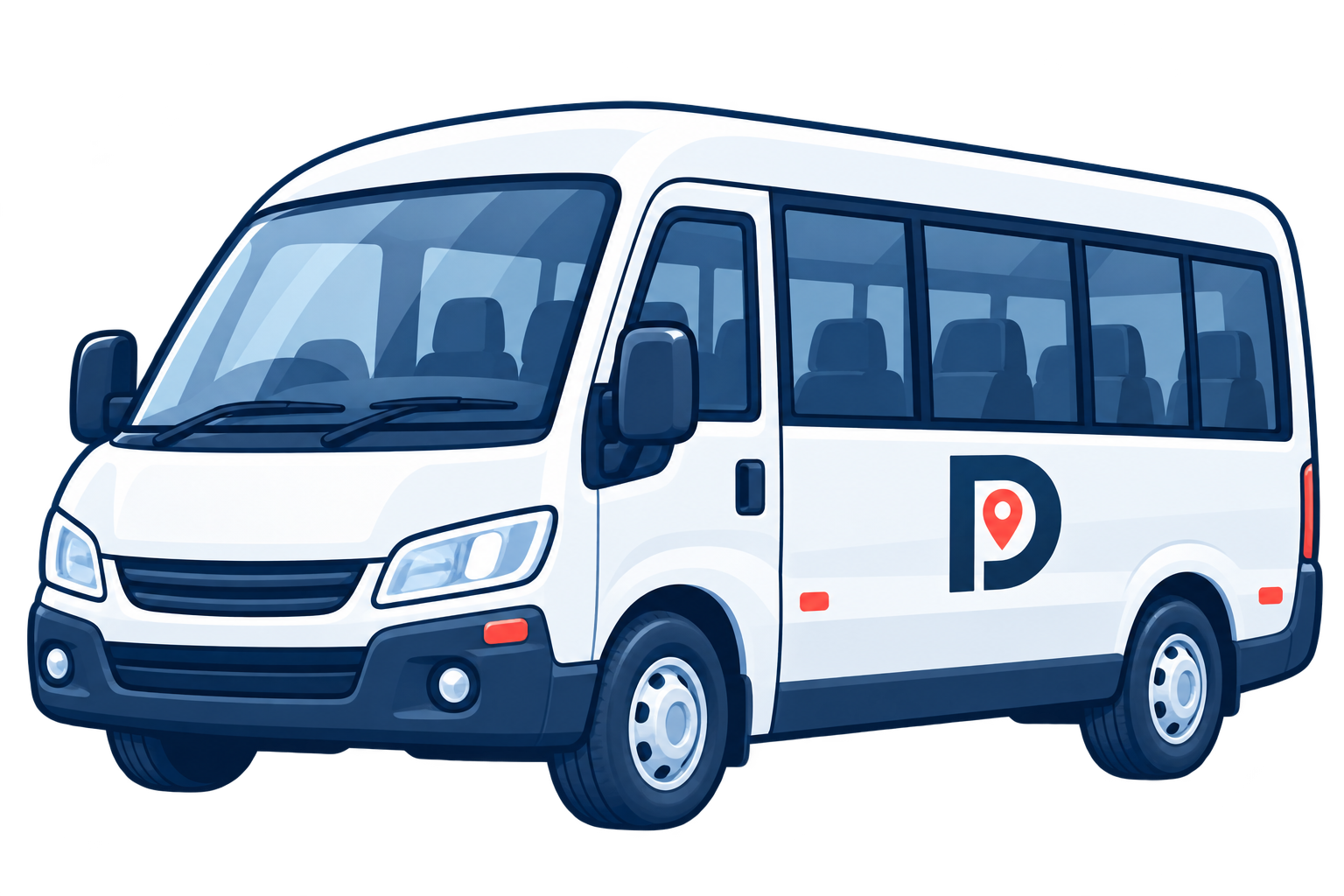
The school sets up the journey
The transport team adds routes, stops and students, then assigns a bus and schedule to each trip.

Supervisors manage boarding
The bus team sees the student list and records boarding, absence or waiting status during the trip.
Parents follow updates
Parents can view the assigned bus and trip updates, and report a student absence in the app.

INSIDE DROP
From the school desk to the school gate.
Schools follow daily operations in the platform, while parents see journey updates in the app.
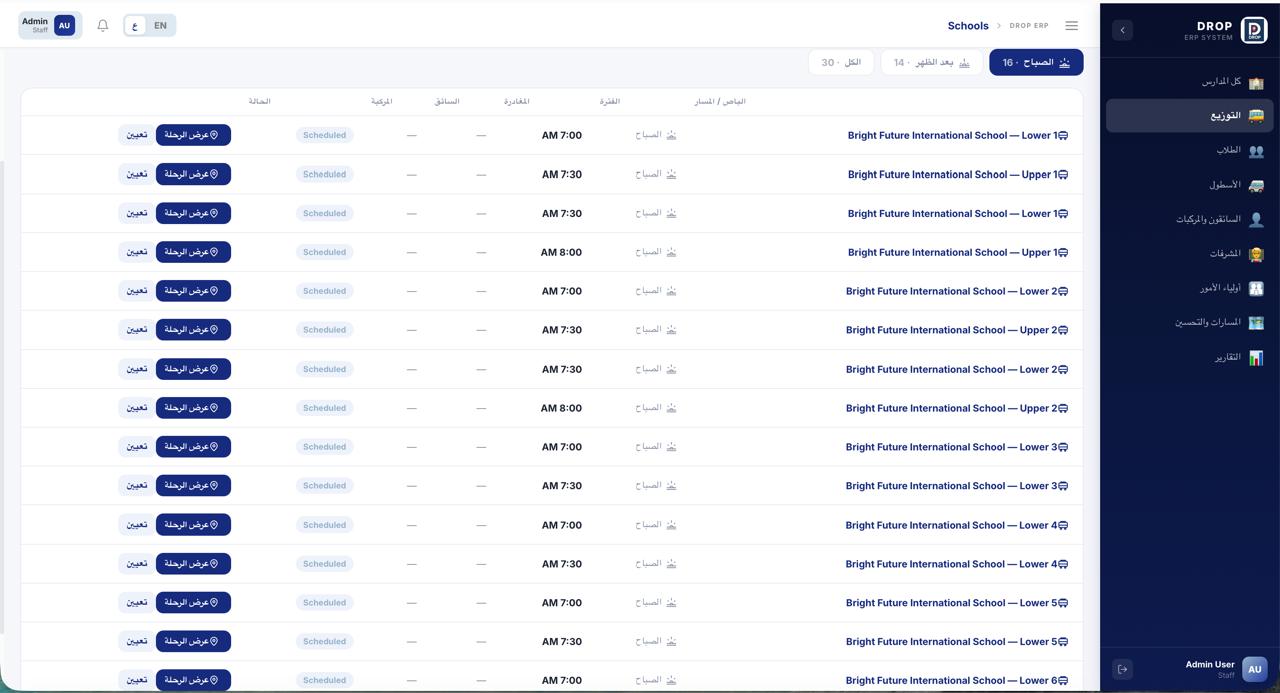
Daily trips in one place
The trips view brings routes, schedules and journey status together for the school team.
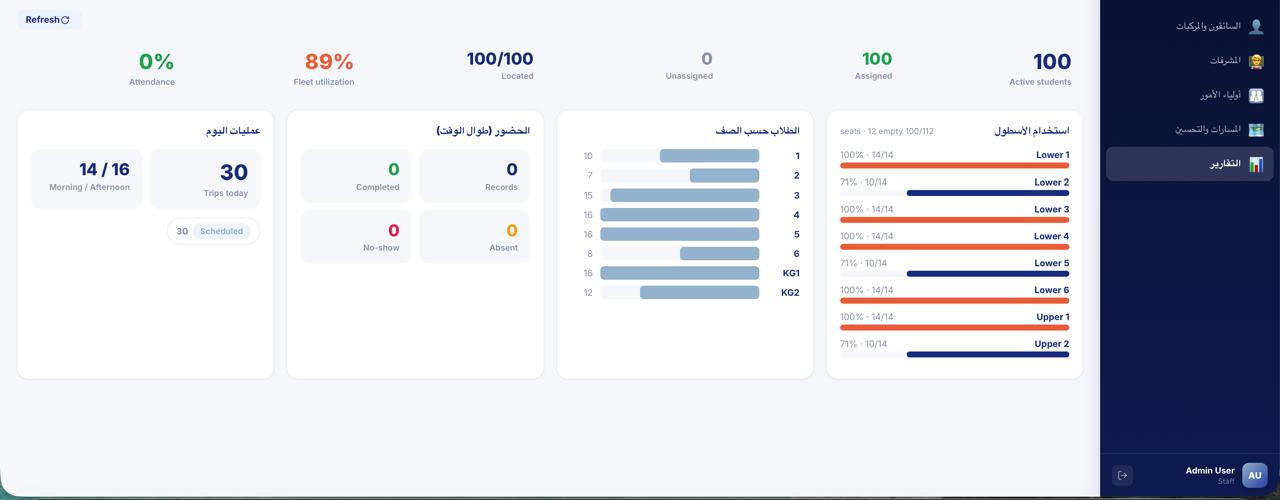
A clearer view of reports
Operational summaries help the team review school transport activity.
THE SCHOOL APP
The journey in a parent’s hand.
The parent view shows the assigned bus and trip updates. The tracking view brings the route and arrival status into focus.
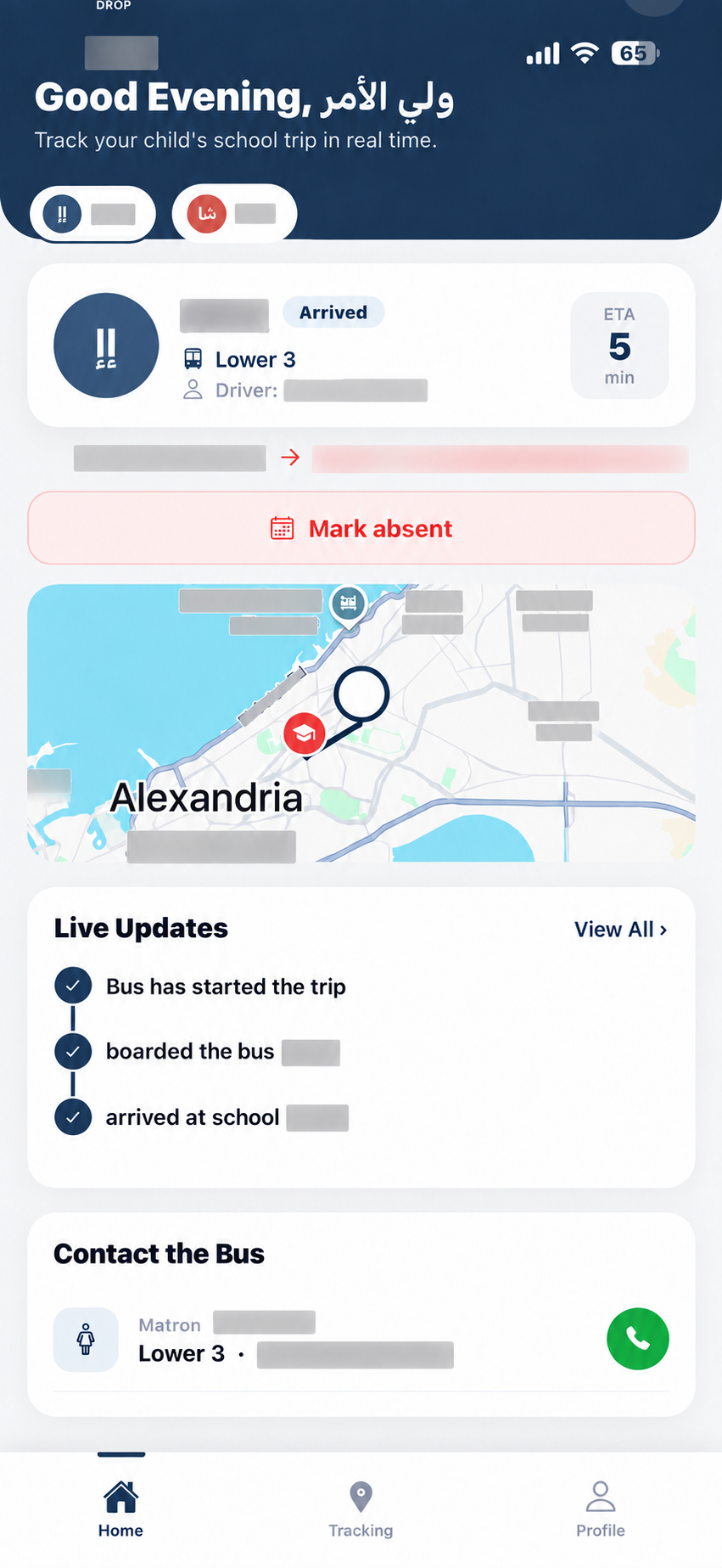
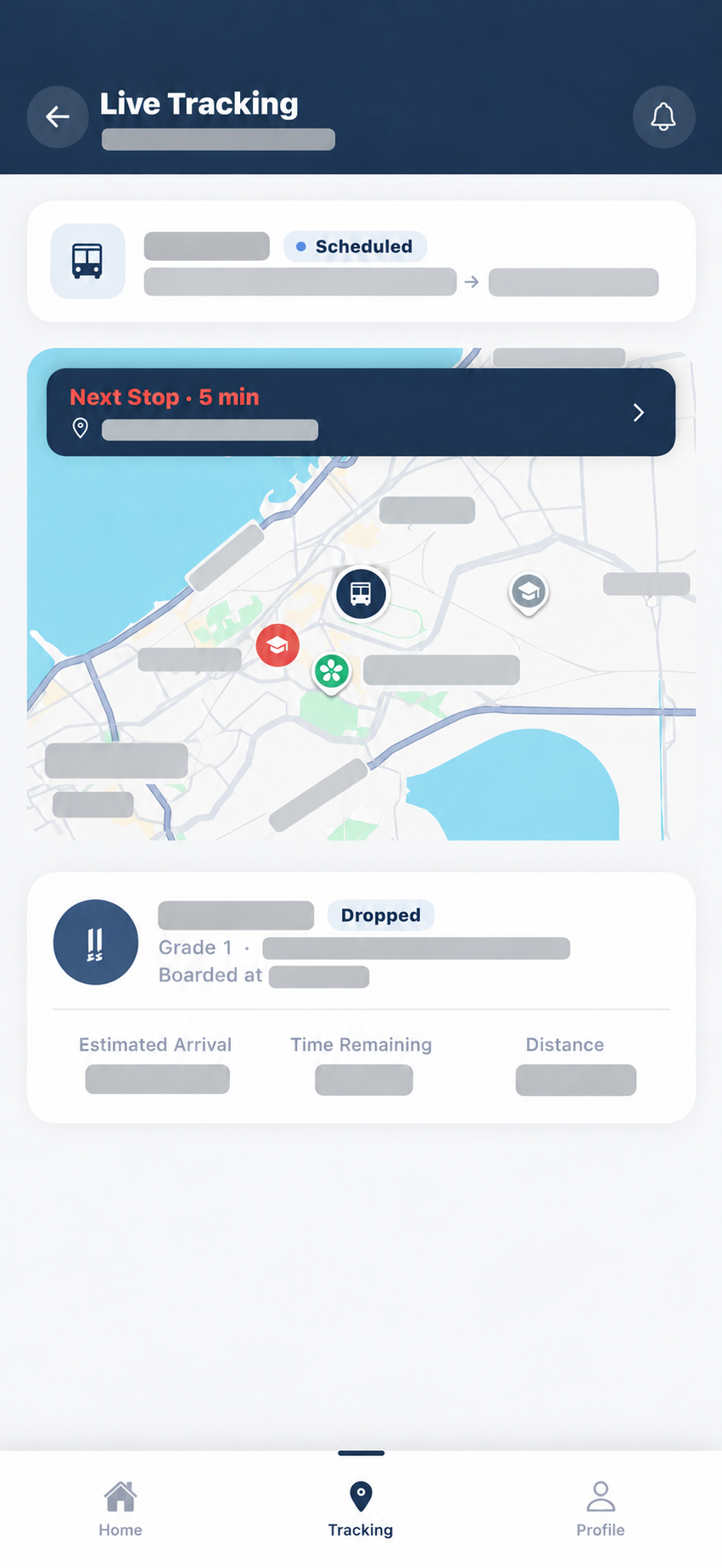
Mobile views are based on supplied product screenshots, edited to obscure child, contact and precise location details.
A few quick answers
What is DROP for Schools?
It is a software platform that helps schools, bus teams and parents organize and follow school transport journeys.
Who uses it?
School transport teams, bus teams and parents each see information relevant to their role.
How can I request a demo?
Open the Contact page, enter your school details and select Send enquiry. We will reply by email.
DROP FOR SCHOOLS
Let’s connect your school journeys.
Tell us about your school transport setup and we can discuss how DROP may fit.